🎉 Up to 70% Off Selected ItemsShop Sale

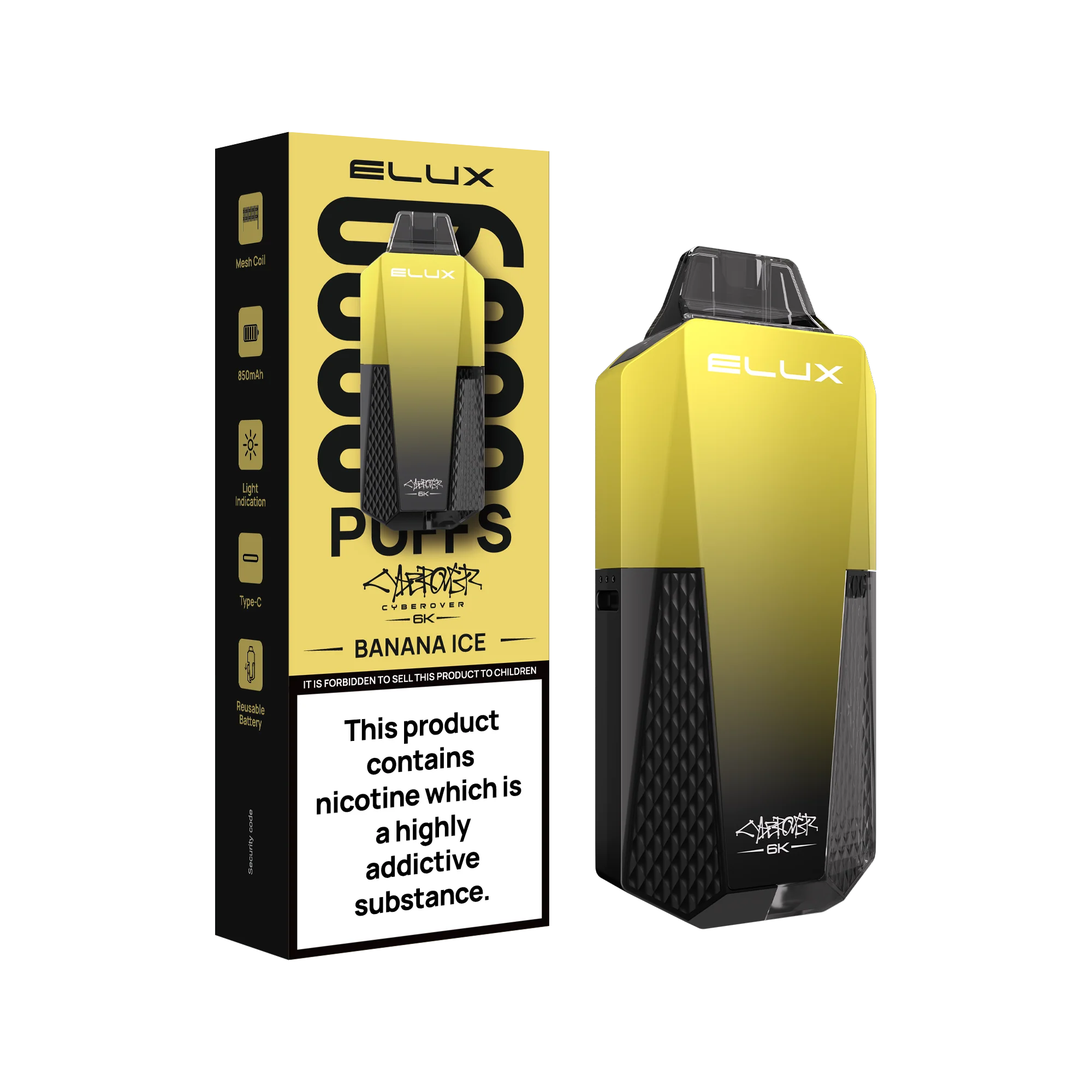
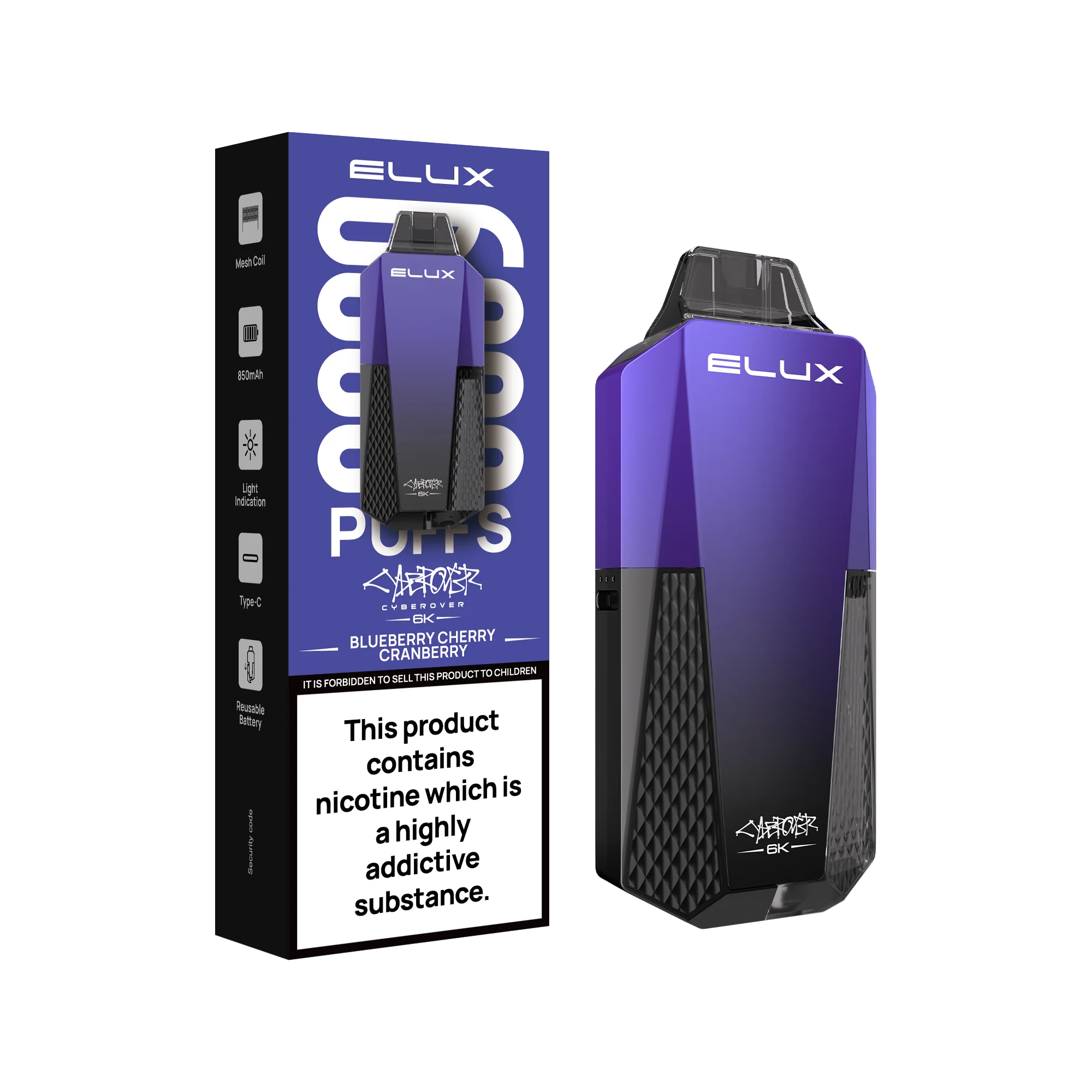
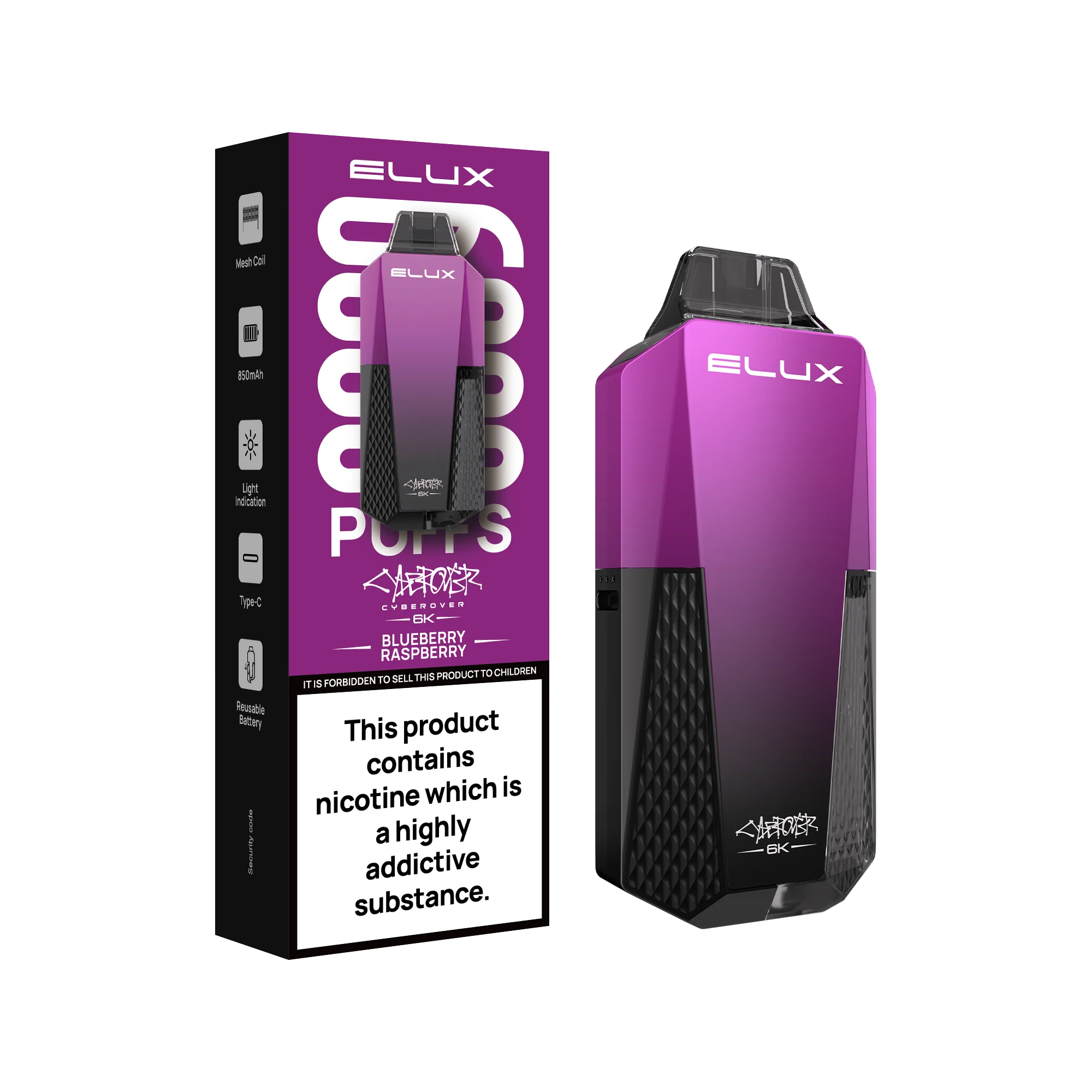
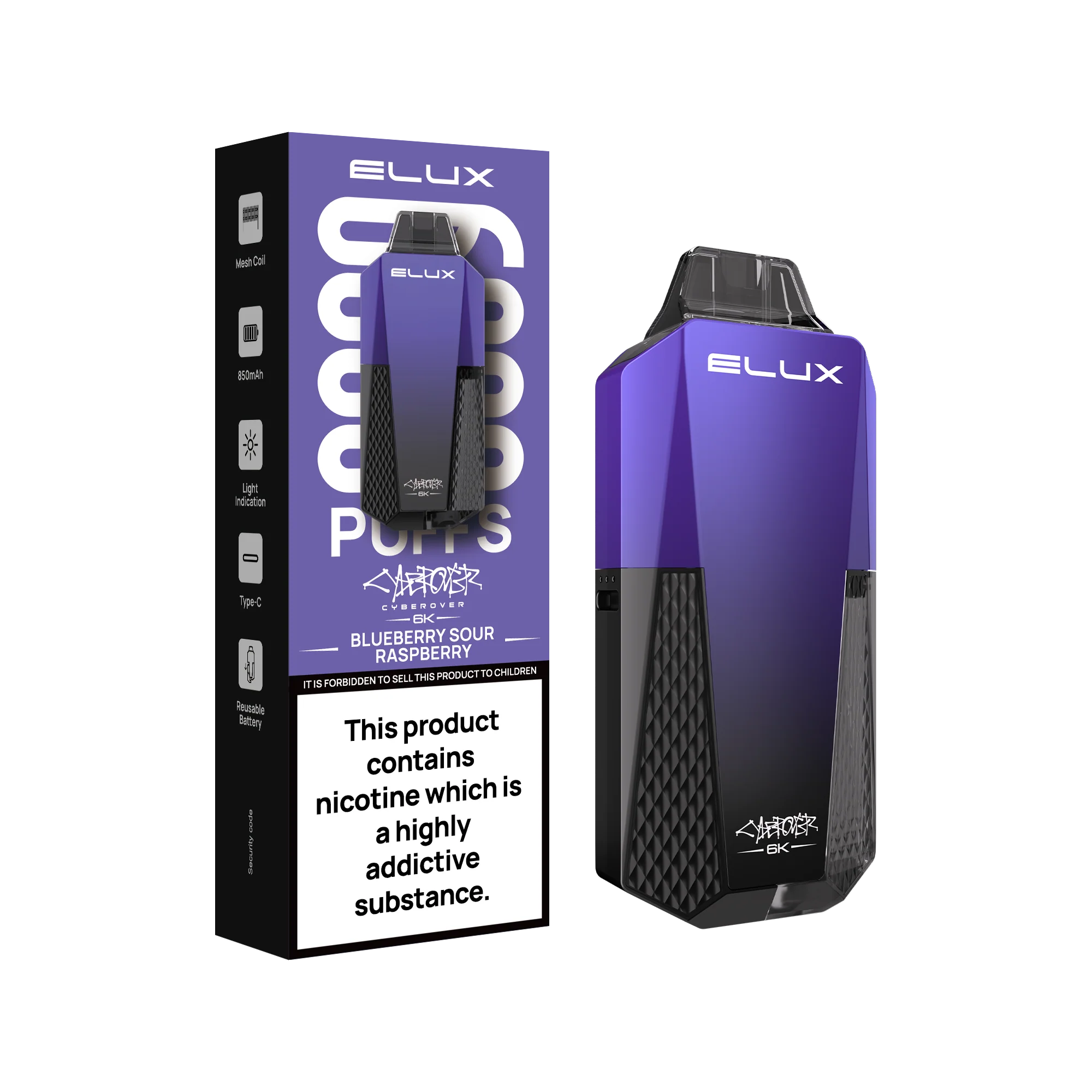
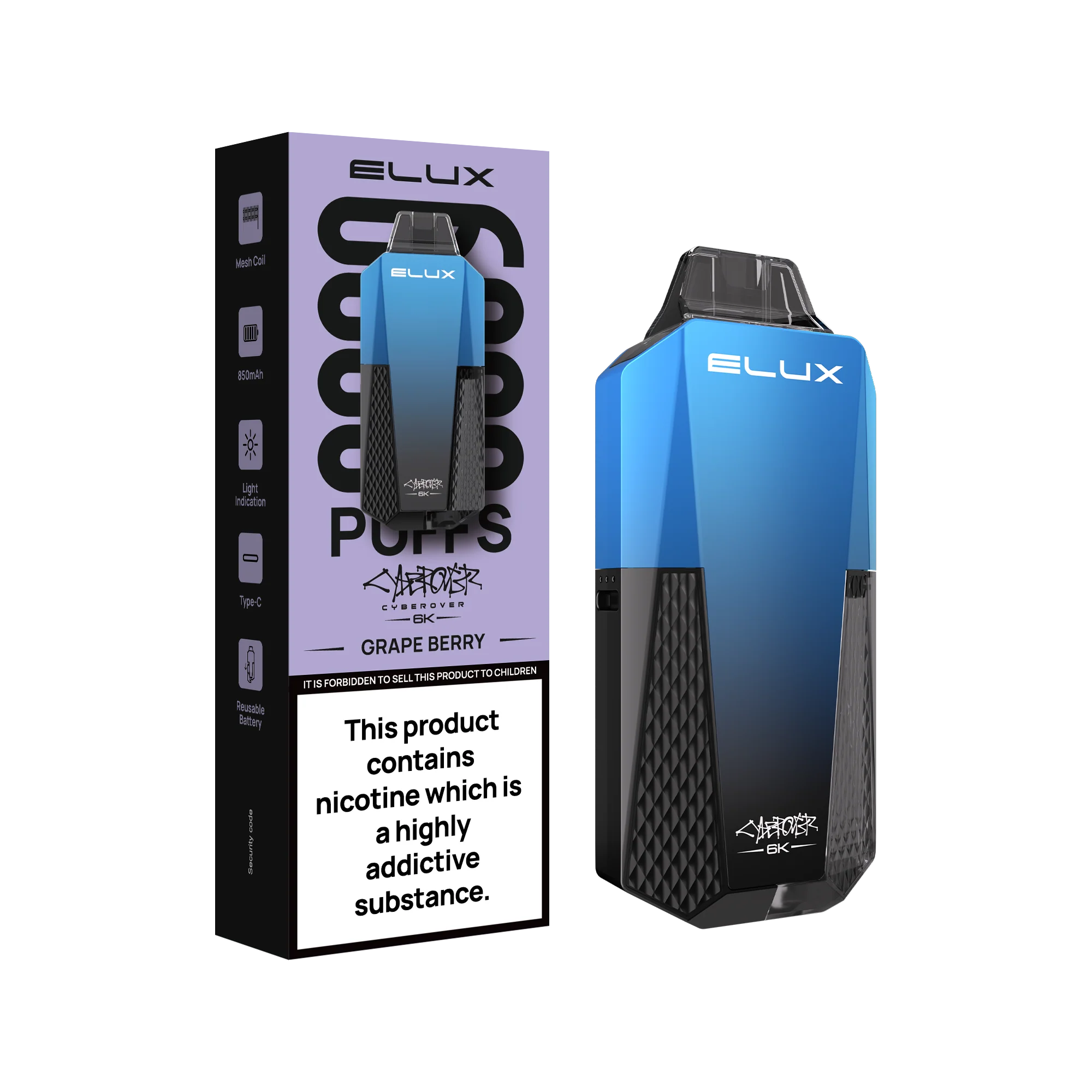
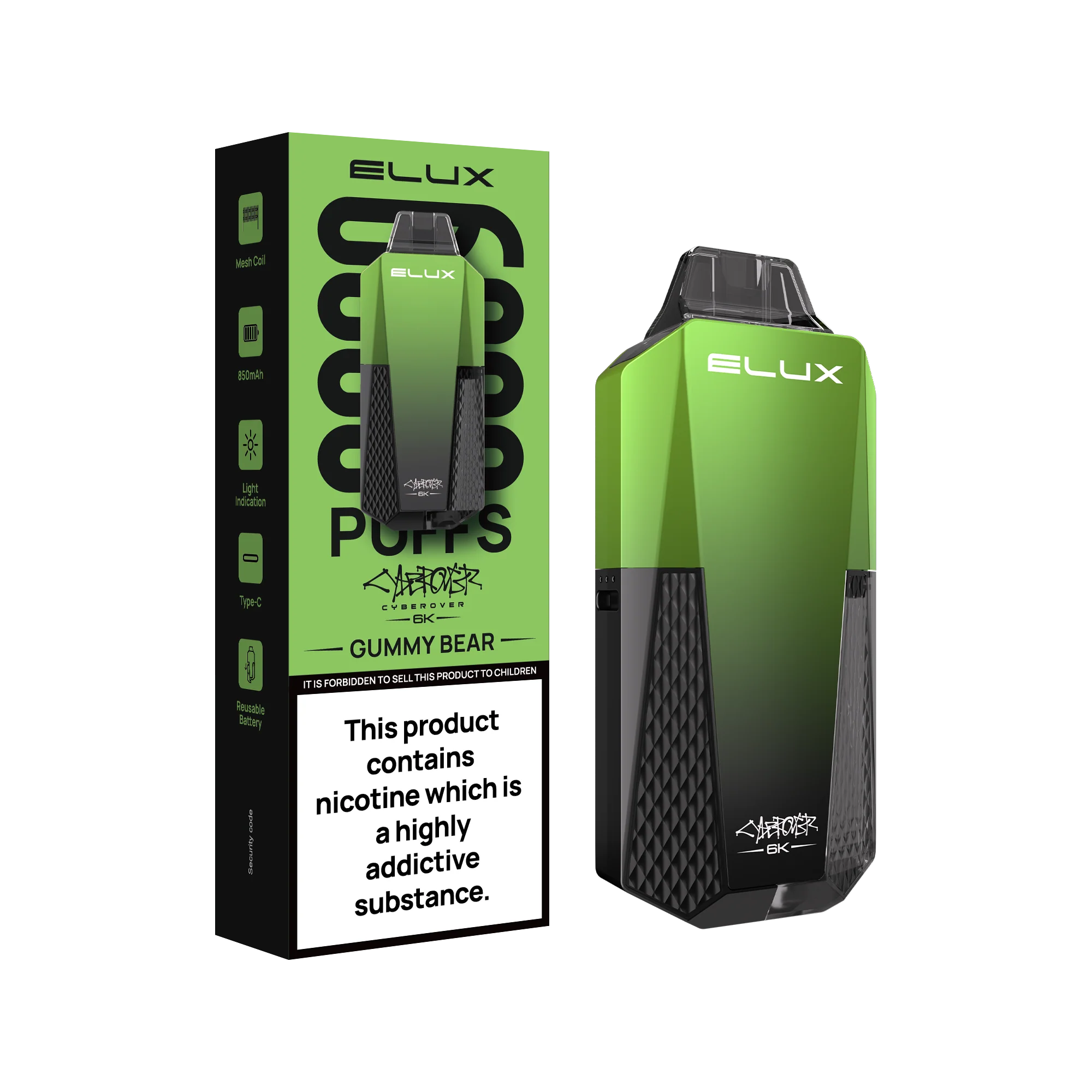
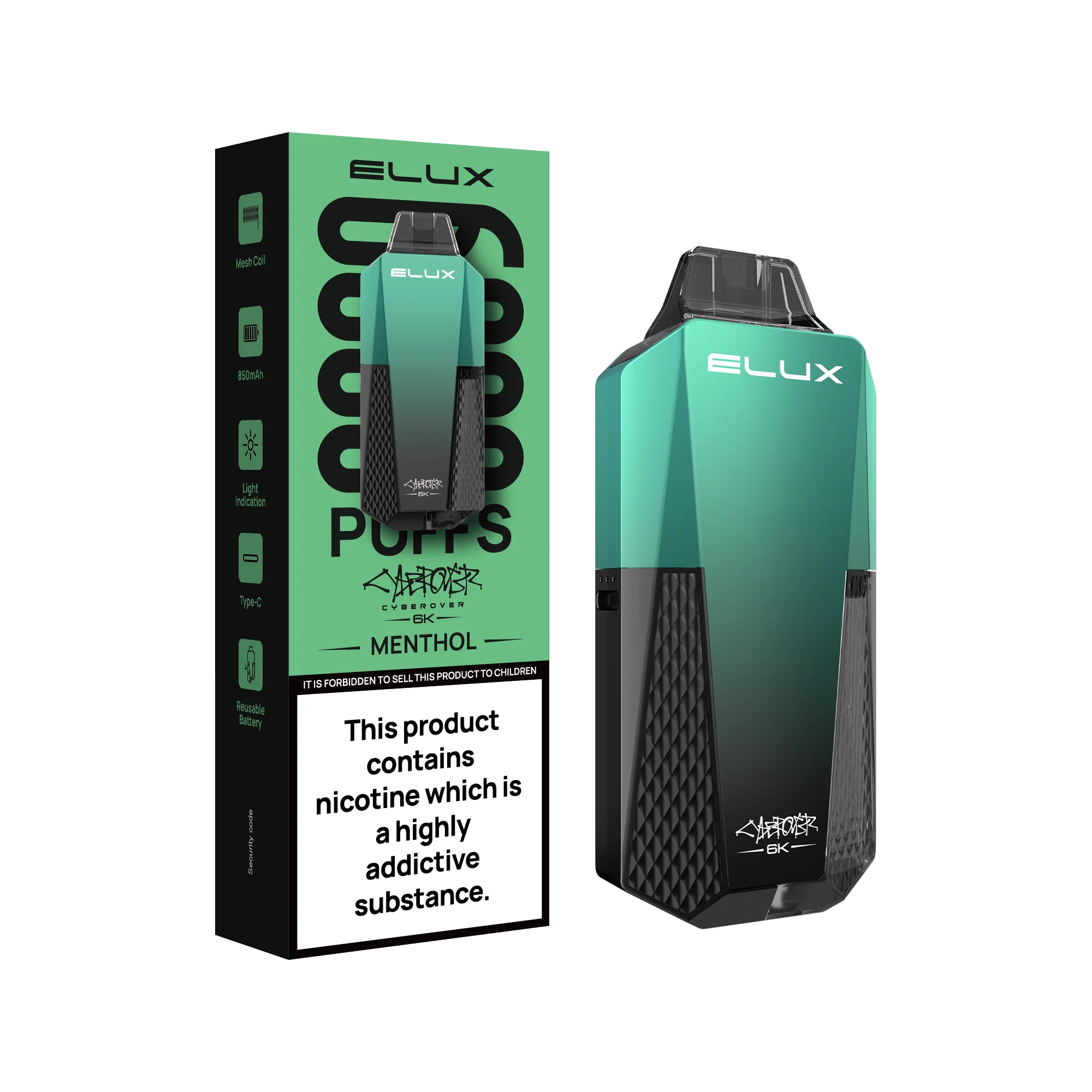
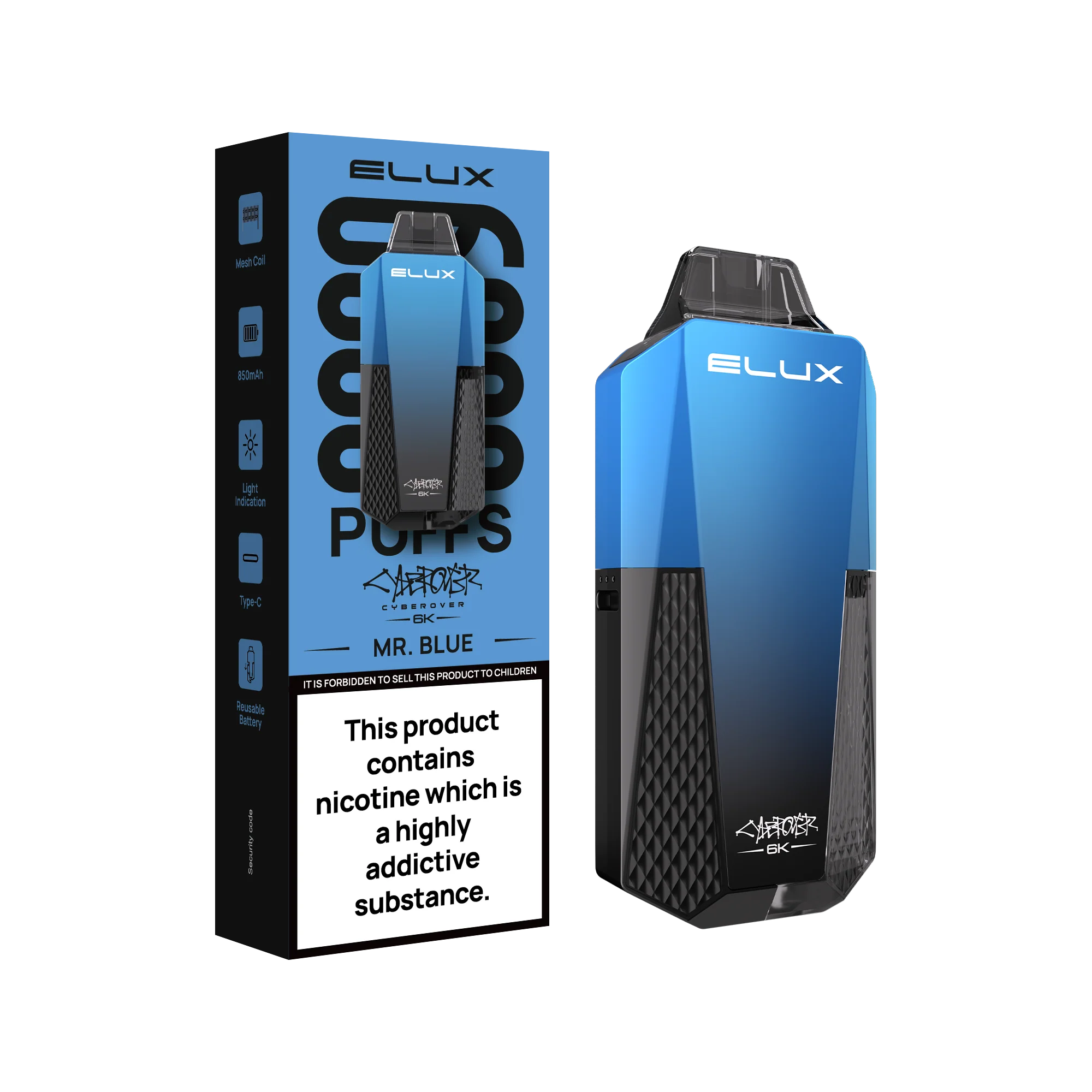
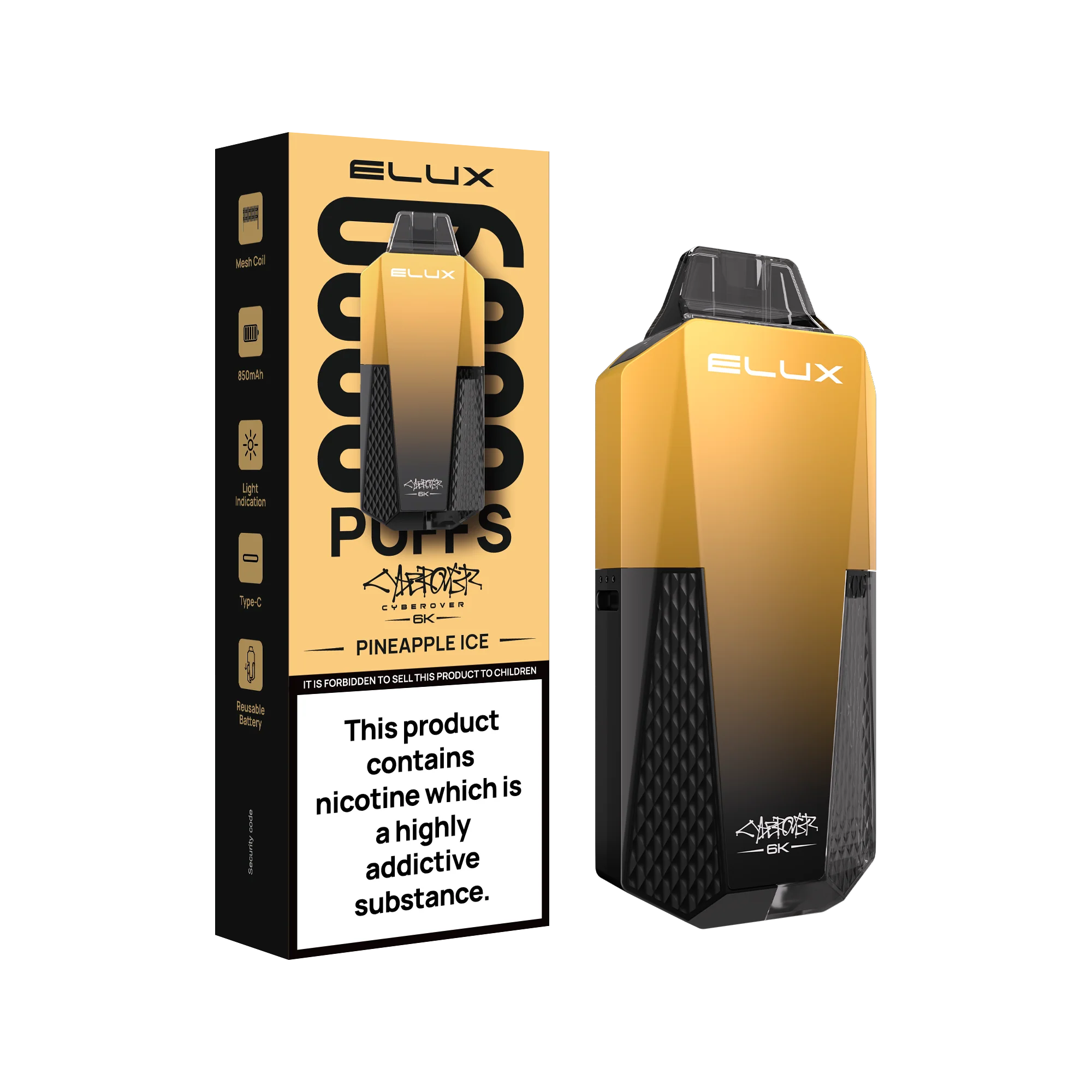
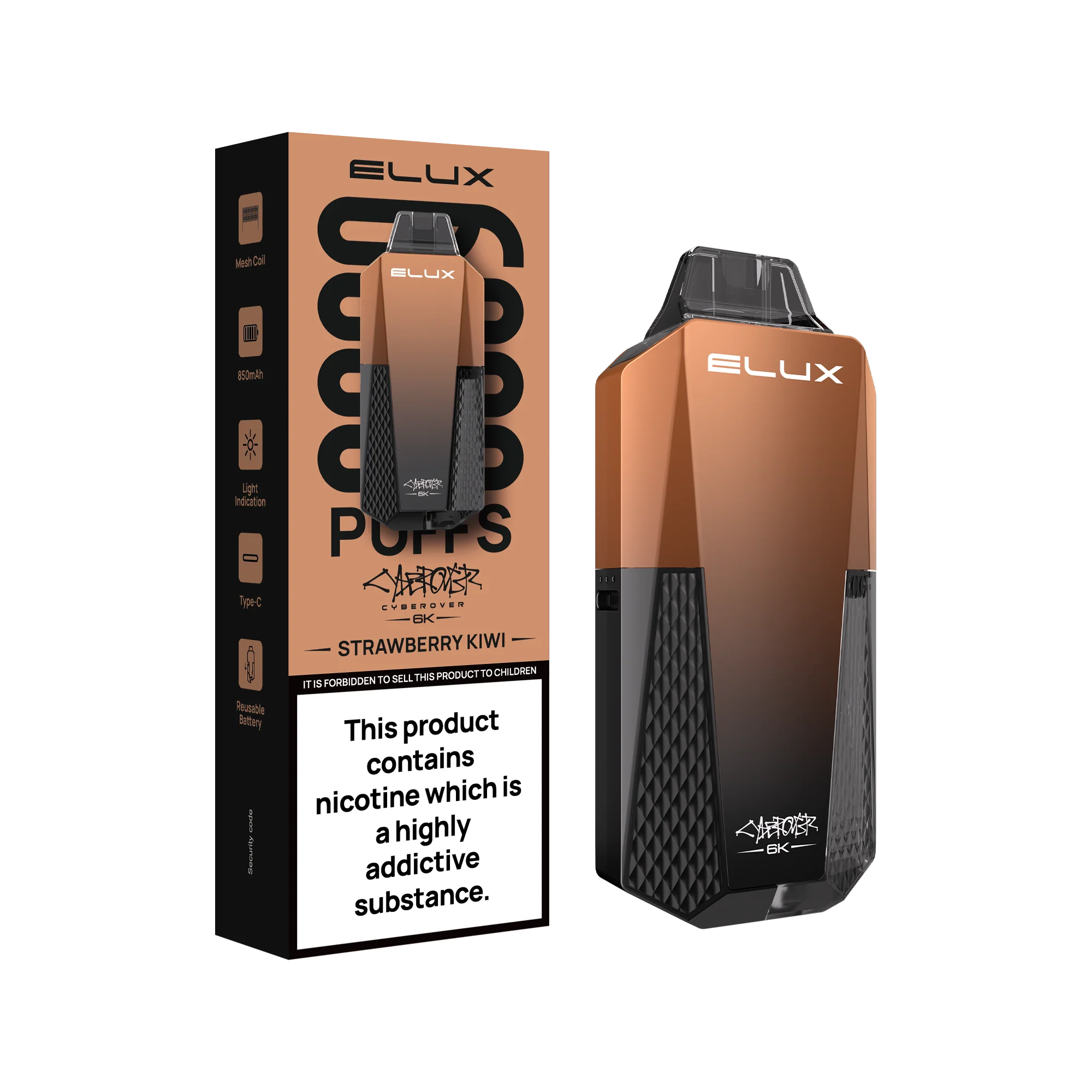
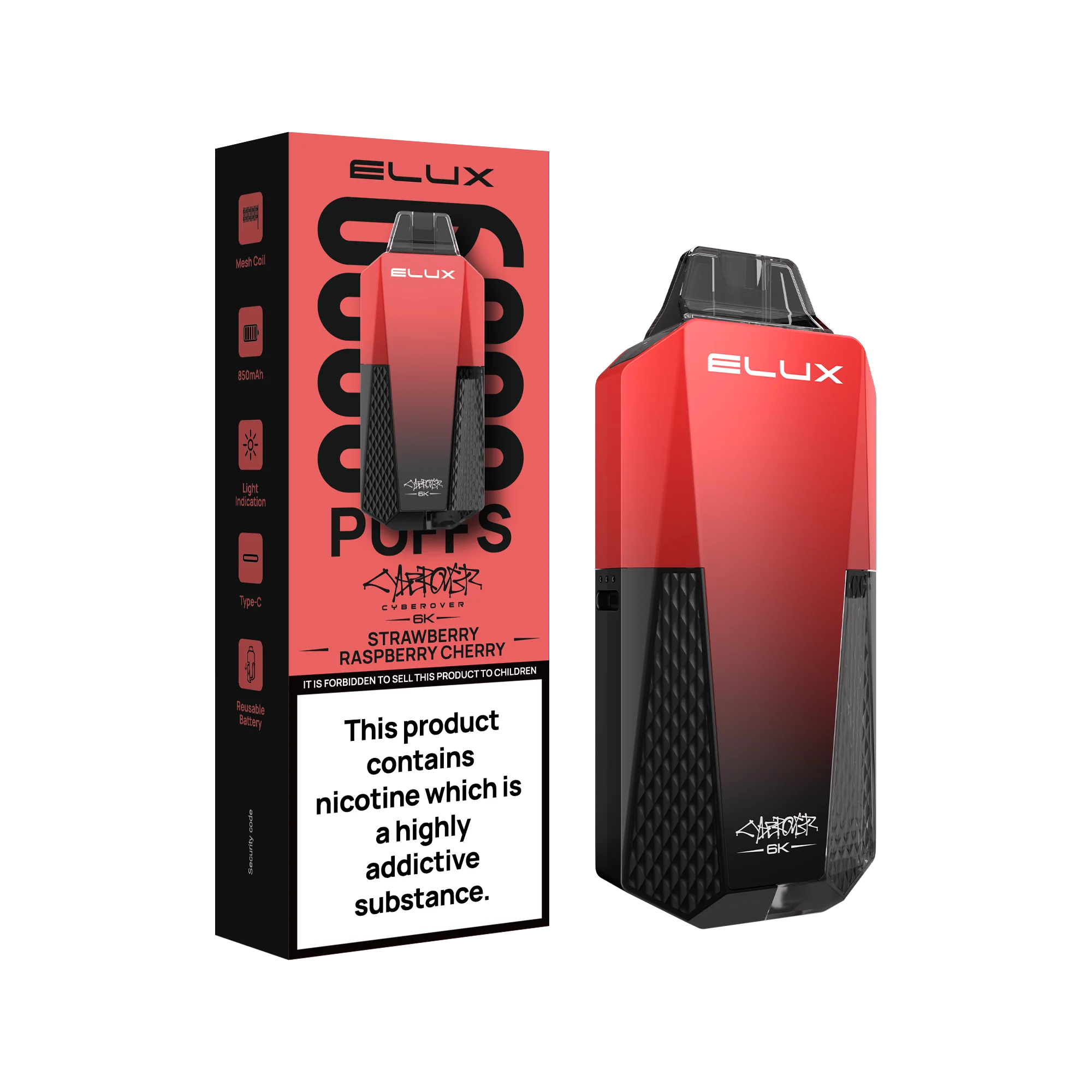
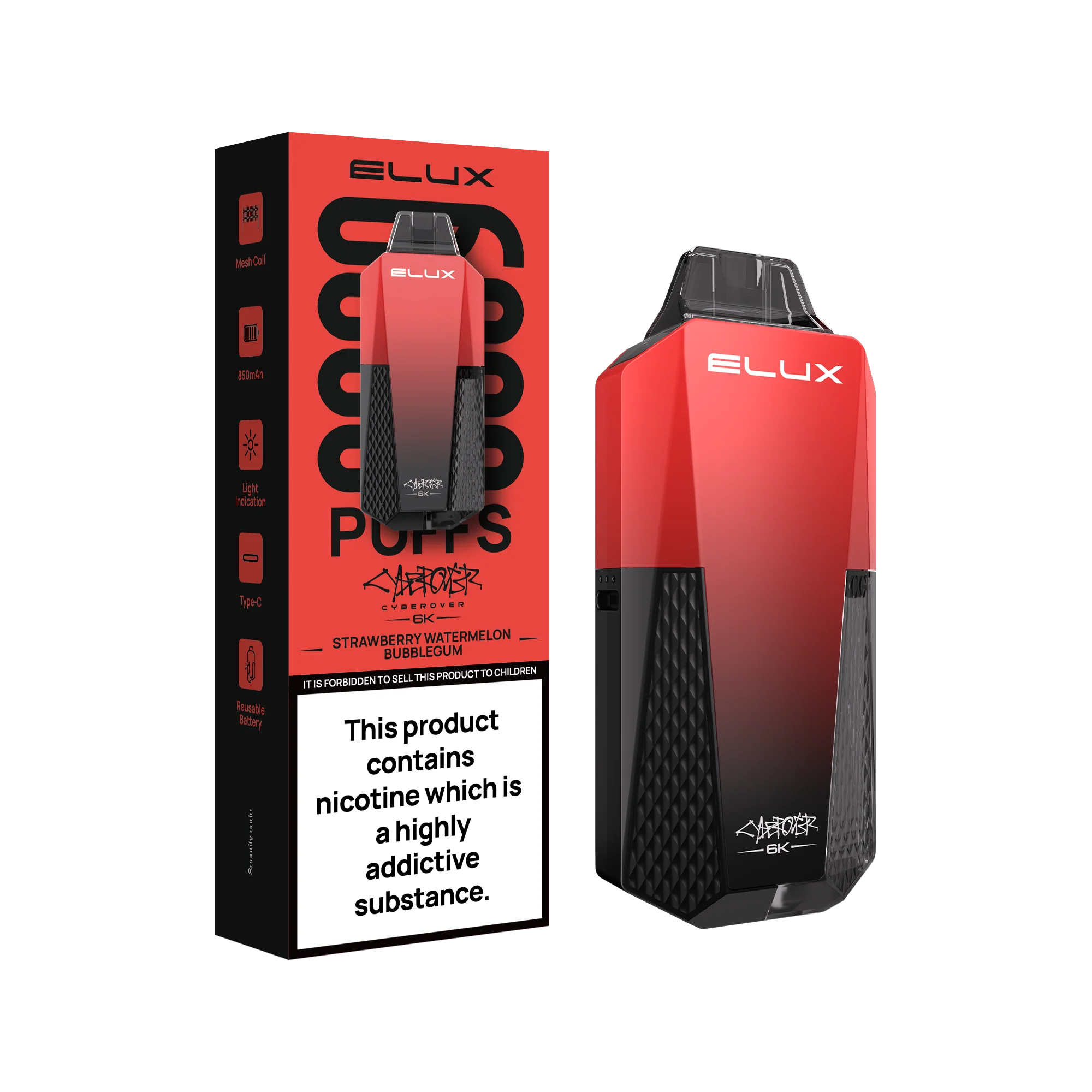
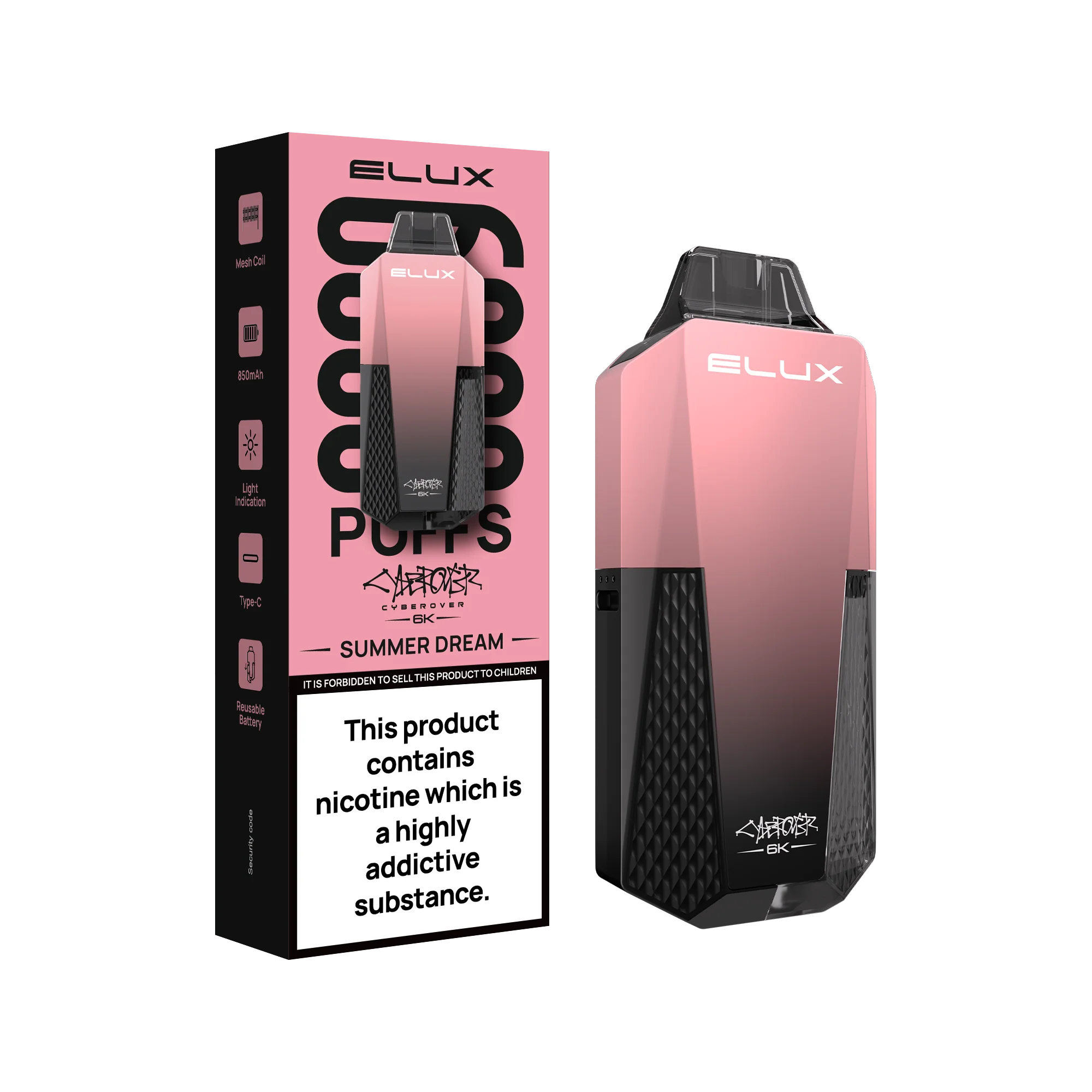
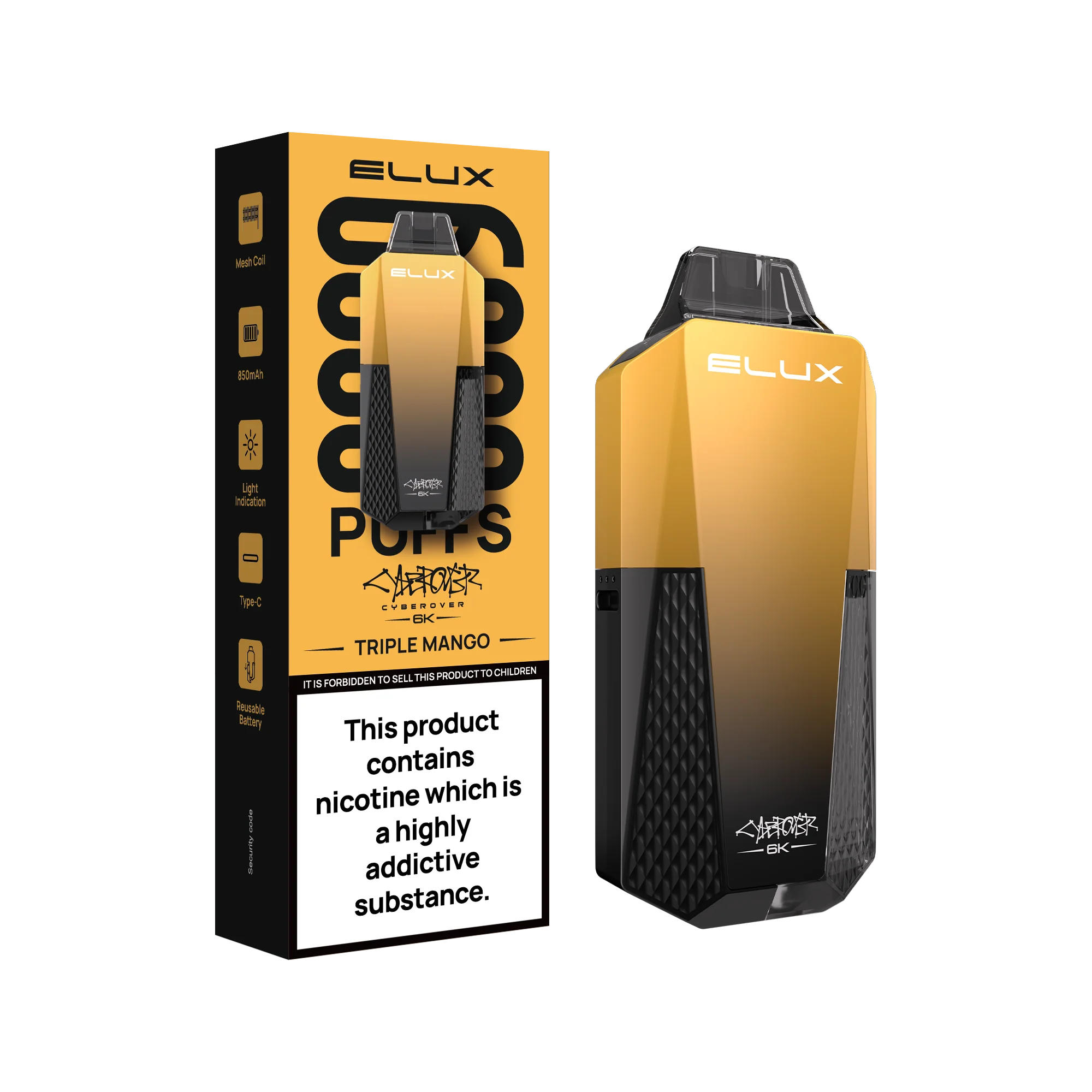
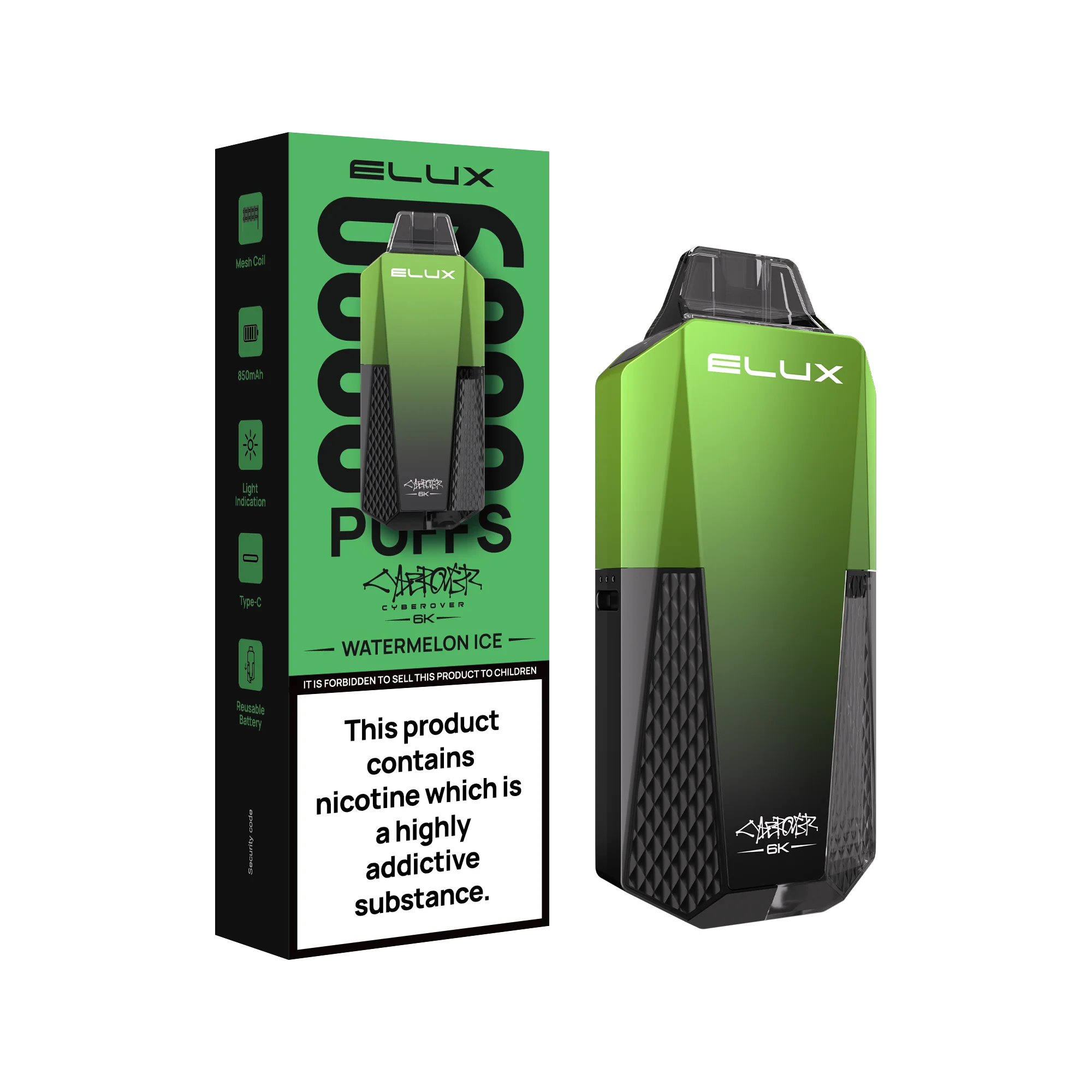
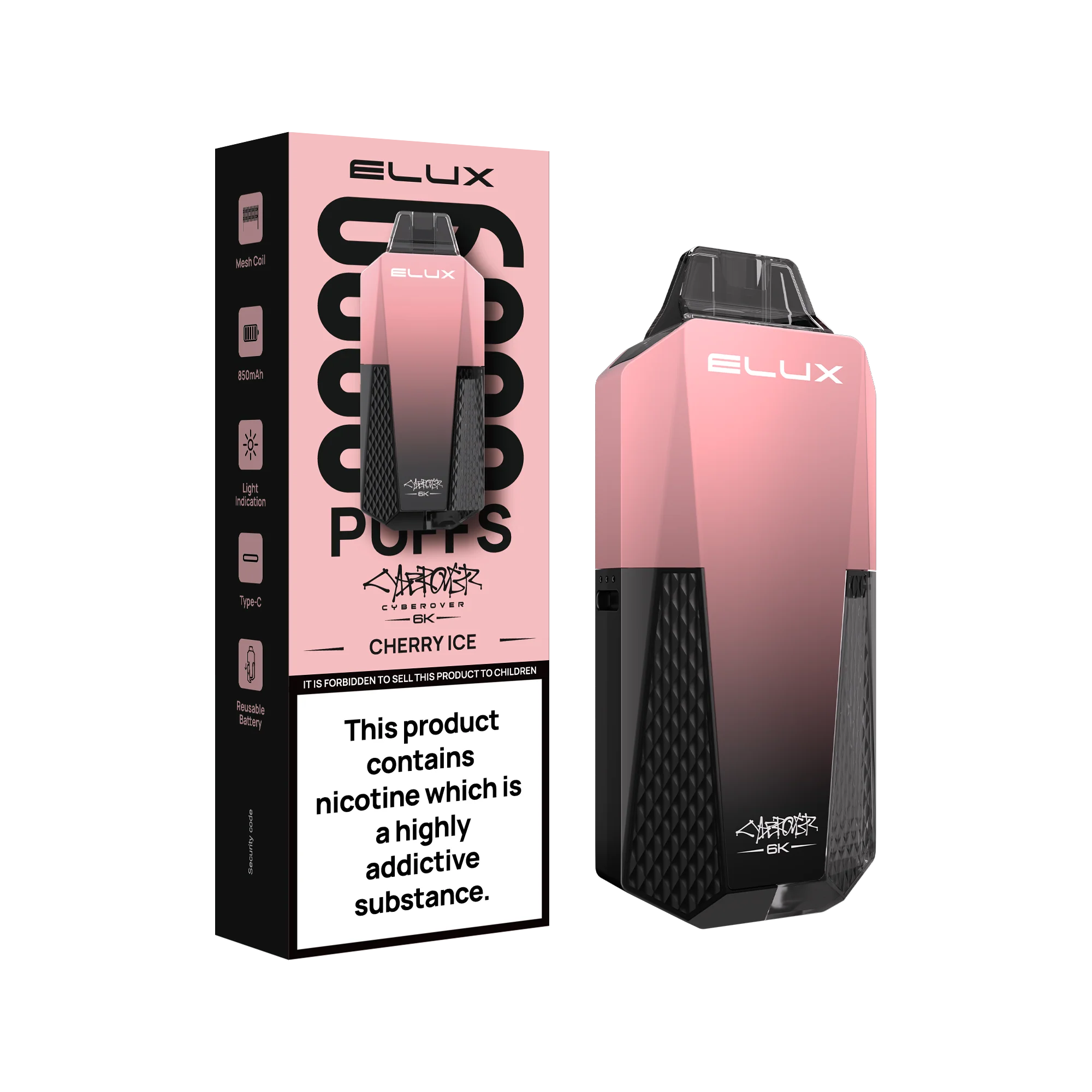
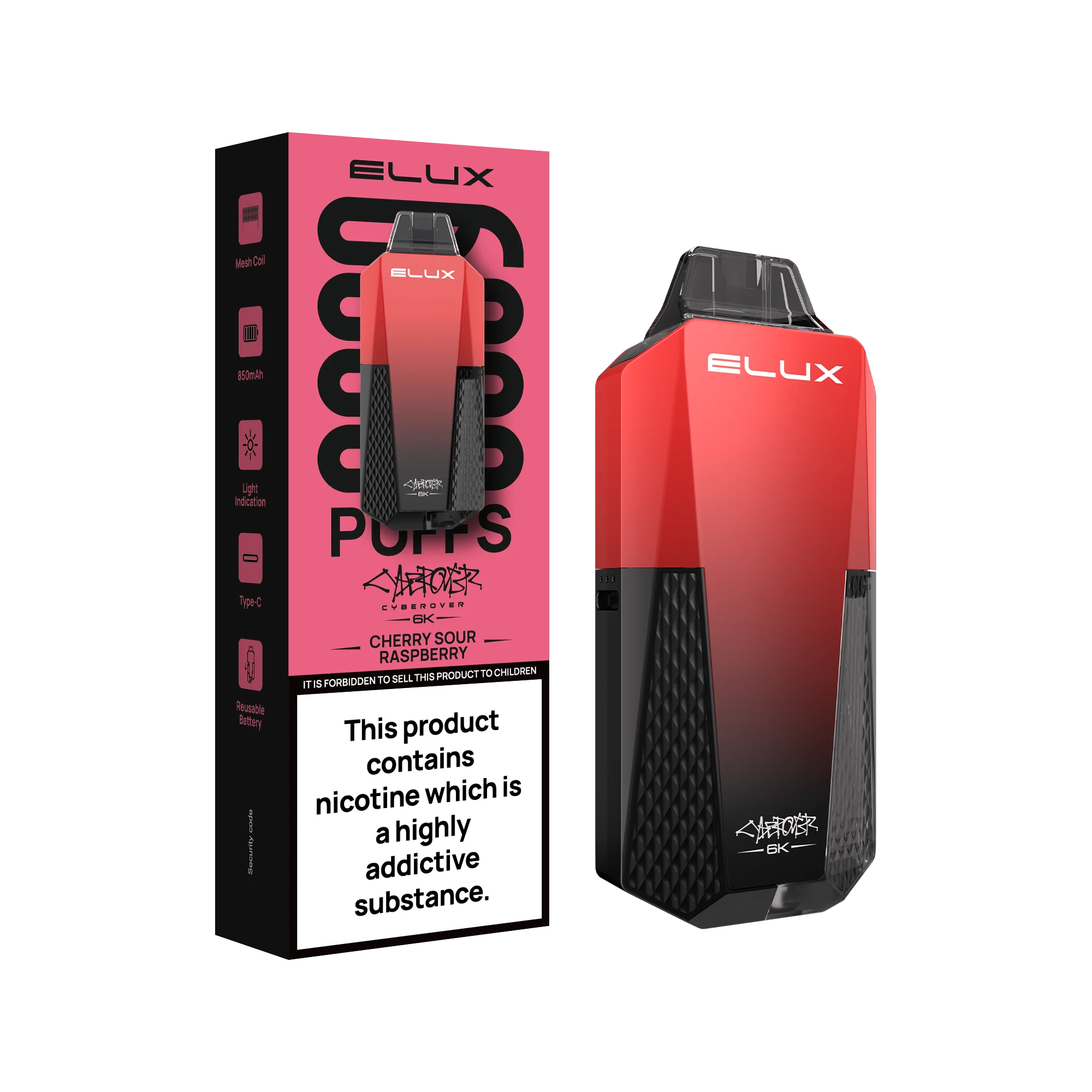
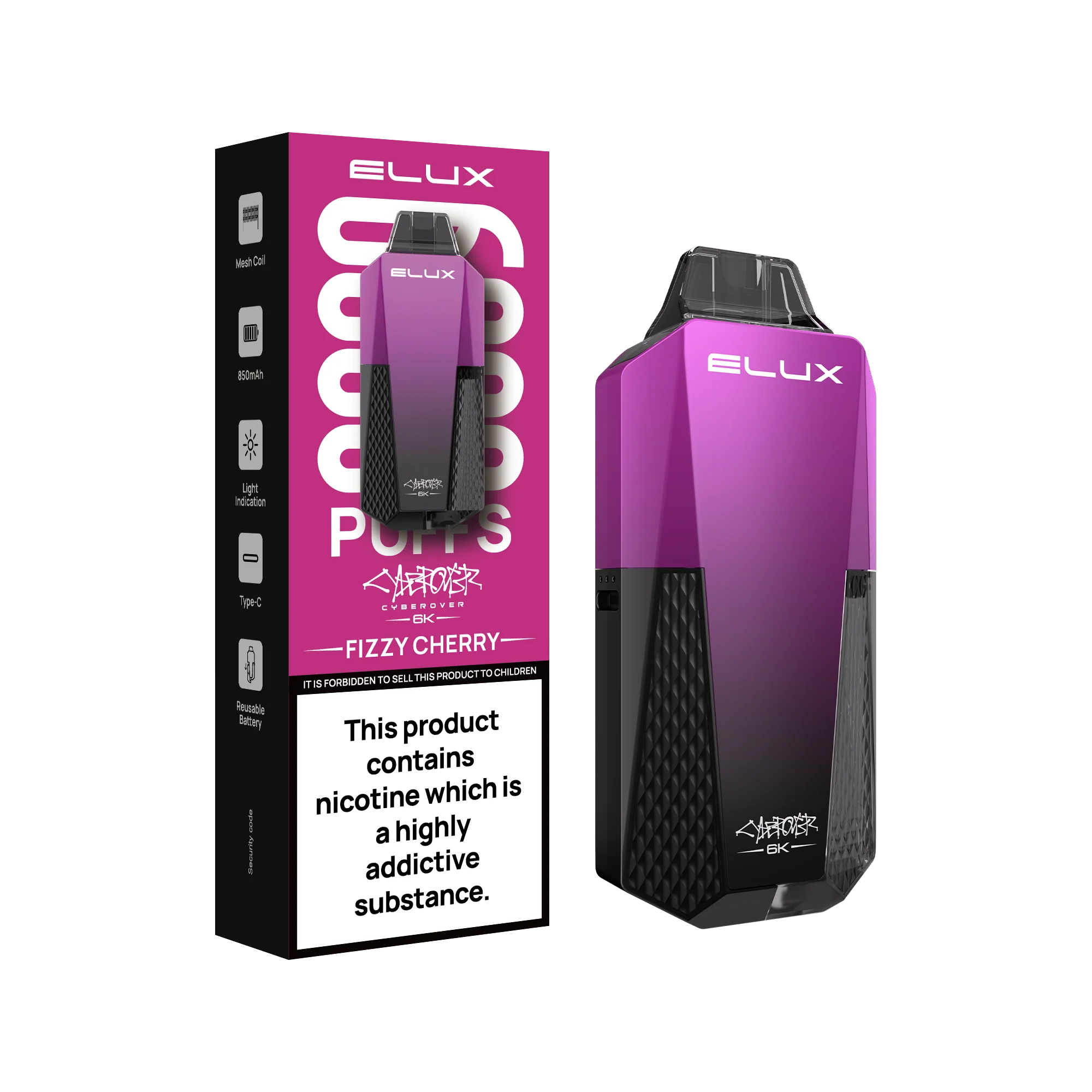
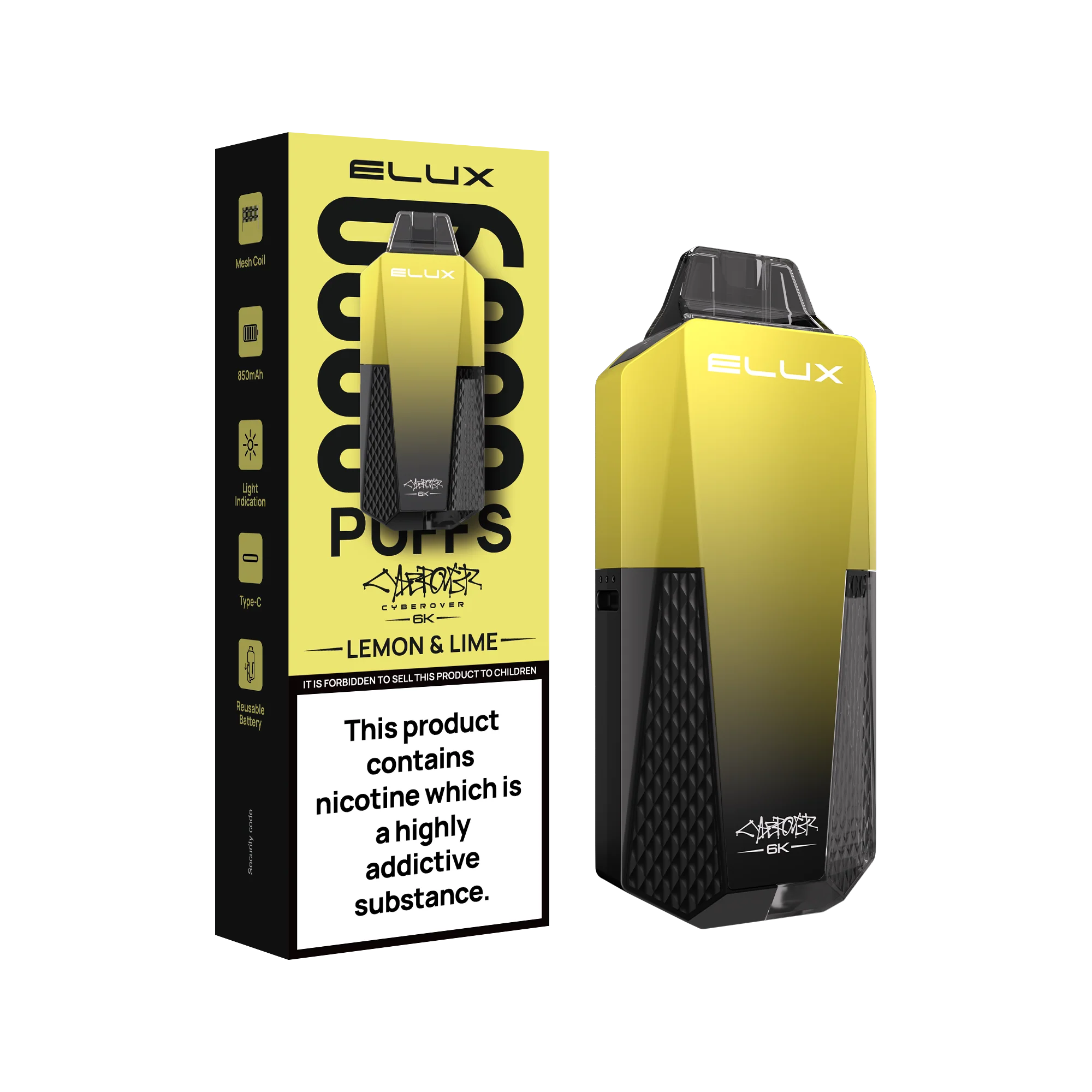
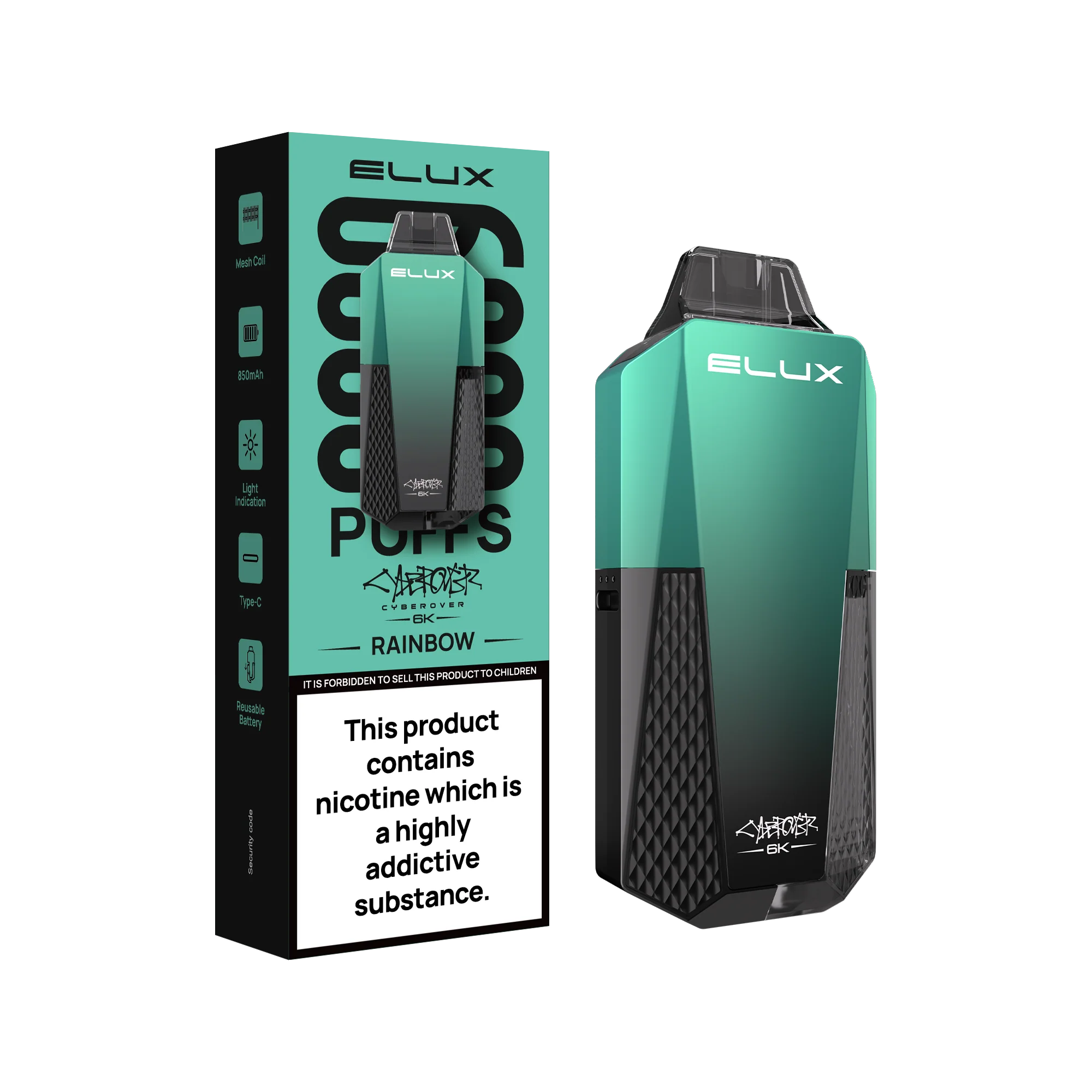
Elux Cyberover 6K Prefilled Vape Kit

Elux Cyberover 6K Disposable Vape Features:
- Battery: 850mAh, rechargeable via Type-C USB
- Capacity: 10ml bottle with 2ml e-liquid in the pod
- Puff Count: Up to 6000 puffs
- Coil: Mesh coil for enhanced flavor and vapor
- Activation: Draw-activated, button-free operation

Up to 6000 Puffs
Greatly elevates your vaping pleasure and while meeting the TPD requirements.

Removable & Reusable Battery
Slide the left part down along the side of the device to remove the battery.

How to use the Elux Cyberover 6K device?
- 1 - Press down and turn the cap
- 2 - Pull out the silicone bar
- 3 - Slide the container in
- 4 - Turn it upside down for 10 seconds
- 5 - Enjoy Vaping

LED Light Indication
The light indicator will display differently to indicate the different working statuses
Elux Cyberover Contents:
- ELUX CYBEROVER 6K*1
- ELUX CYBEROVER 6K
- E-liquid Container*1
- User Manual*1
Select Flavour
From $3.99
Original: $13.31
-70%Elux Cyberover 6K Prefilled Vape Kit—
$13.31
$3.99Product Information
Product Information
Shipping & Returns
Shipping & Returns
Description
Elux Cyberover 6K Disposable Vape Features:
- Battery: 850mAh, rechargeable via Type-C USB
- Capacity: 10ml bottle with 2ml e-liquid in the pod
- Puff Count: Up to 6000 puffs
- Coil: Mesh coil for enhanced flavor and vapor
- Activation: Draw-activated, button-free operation
Up to 6000 Puffs
Greatly elevates your vaping pleasure and while meeting the TPD requirements.
Removable & Reusable Battery
Slide the left part down along the side of the device to remove the battery.
How to use the Elux Cyberover 6K device?
- 1 - Press down and turn the cap
- 2 - Pull out the silicone bar
- 3 - Slide the container in
- 4 - Turn it upside down for 10 seconds
- 5 - Enjoy Vaping
LED Light Indication
The light indicator will display differently to indicate the different working statuses
Elux Cyberover Contents:
- ELUX CYBEROVER 6K*1
- ELUX CYBEROVER 6K
- E-liquid Container*1
- User Manual*1